Counting down to the next SAT test on 8AM October 3, 2026 US Eastern time.
Digital SAT practice
Your final SAT prep
15 full-length official tests from 2025–2026.
Start free →No credit card required
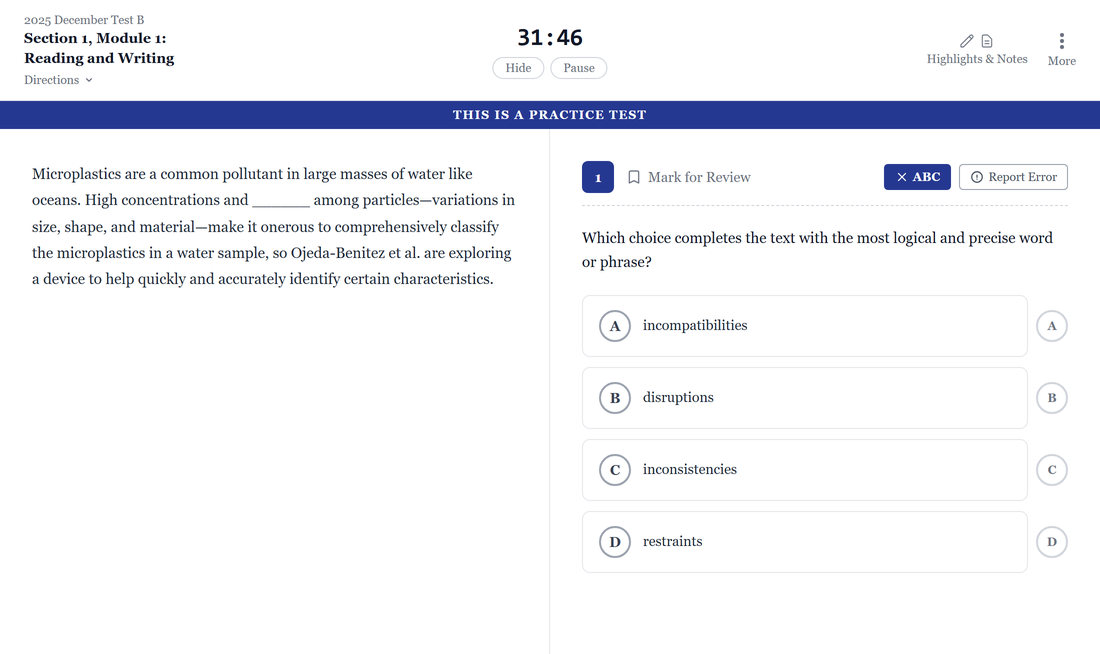
Sit the test the way the College Board built it
A faithful Bluebook-style testing screen — the same tools, timing and rhythm students meet on exam day, so nothing on the real test is a surprise.
- Timed modules with a real clock
Reading & Writing and Math run as separate timed modules with an on-screen countdown.
- Highlight, underline & mark for review
Annotate passages on screen and flag questions to revisit — just like the live exam.
- Pause when you need to
A full-screen overlay stops the clock and hides the question, then resumes exactly where you left off.
A score you can trust — on the official curve
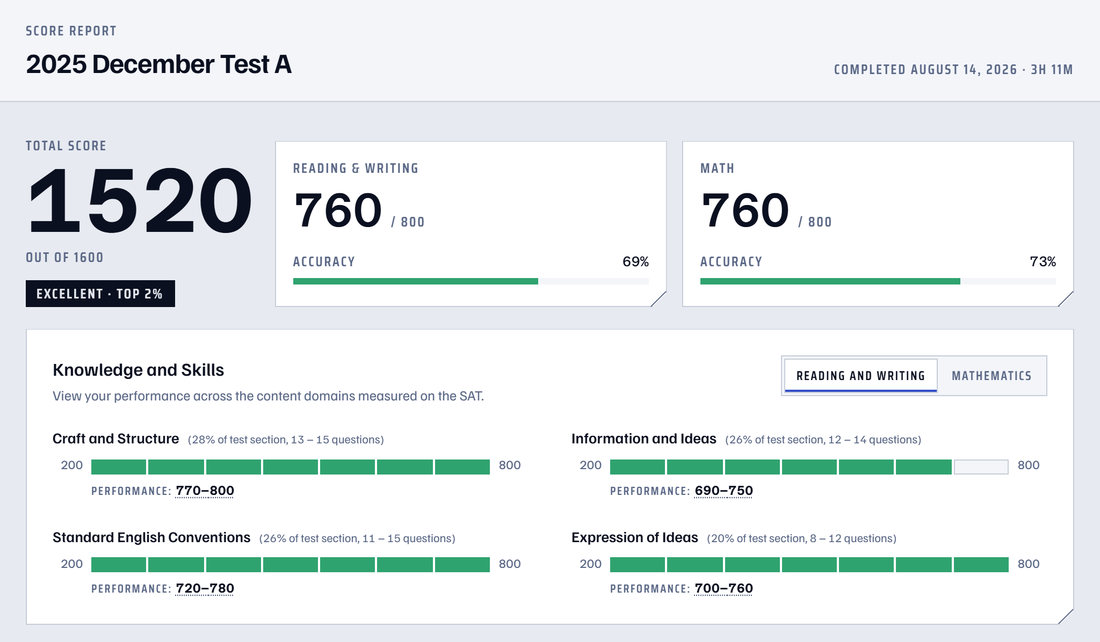
Raw answers convert to scaled scores with the official Digital SAT table, not a flat linear guess. The result reads like a real score report.
- Section scores and a total out of 1600
Converted with the official Digital SAT conversion table.
- Answer rates by skill
Every scored question rolls up into per-skill accuracy, so weak spots are obvious at a glance.
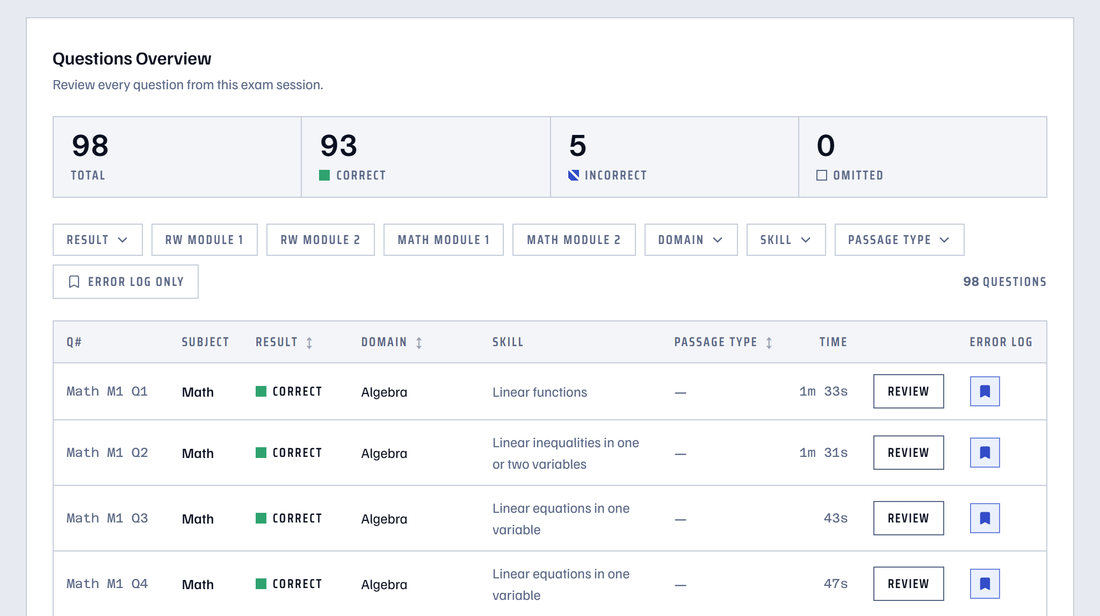
- Question-by-question review
Reopen any question with your answer, the correct answer, and a worked explanation.
Analytics that point straight at what to study
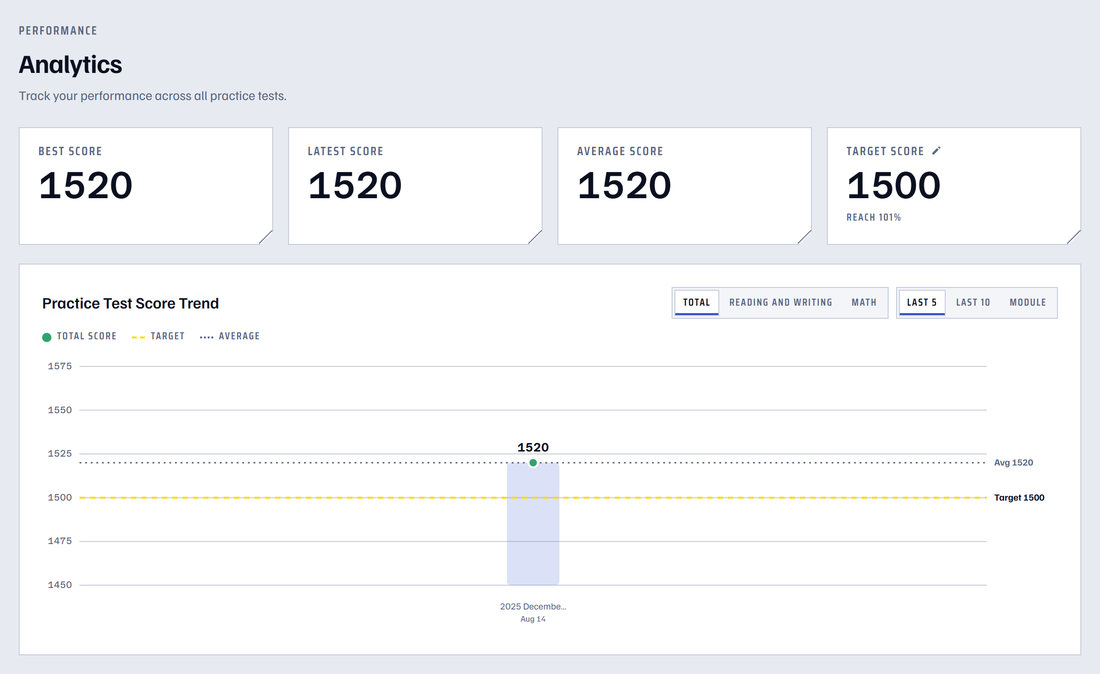
Progress across attempts, broken out by section, passage type and skill — plus study priorities and the targets each student sets.
- Answer rates by passage type
Accuracy across passage types, so reading weak points surface fast.
- Study priorities, ranked
A plain-English study plan, split into Reading, Writing and Math.
- Targets you set yourself
Separate Reading & Writing and Math goals, with progress tracked toward each.
Turn every review into study material
From the review screen, students build a personal vocabulary list and an error log — both linked back to the question the item came from.
- One-tap vocabulary lookup
Select any word to see part of speech, definitions with examples and synonyms — then save it.
- A notebook that remembers context
Every saved word links back to the exact question it appeared in.
- An error log for missed questions
Bookmark any question and work back through weak spots deliberately.